
Understand what the MaLiLib Forge and NeoForge port is
The ThinkingStudios MaLiLib-Forge repository describes itself as an unofficial Forge and NeoForge port of MaLiLib for ports of masa’s mods. That wording matters. It is related to MaLiLib, but it is not the same release stream as the Fabric-oriented repositories. A port has to adapt library behavior to another loader ecosystem and can use its own version numbers, dependencies and release schedule. Treat it as a separate compatibility line instead of assuming every MaLiLib JAR can run under every loader.
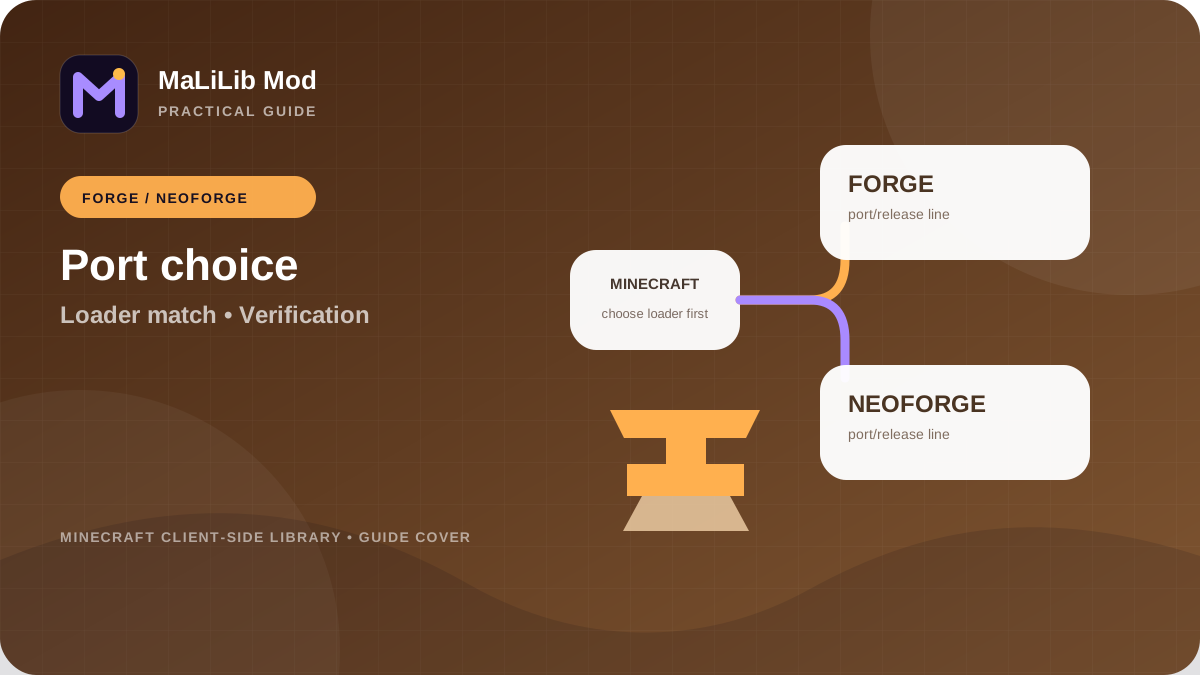
This distinction protects you from a common installation mistake: finding a MaLiLib filename in a search result and copying it into a Forge or NeoForge profile without checking the source. The loader family must match the file. A working Fabric setup is not evidence that the same JAR will work on NeoForge, and a NeoForge port should not be dropped into a Fabric profile. Start every installation by identifying the loader, then use the repository that explicitly targets it.
Use the dedicated project repository for the port
This website keeps the ThinkingStudios repository under “Other version” links so it remains visually separate from the main MaLiLib download. Open that project repository directly, read its README and review its Releases page. The repository credits the upstream MaLiLib projects and explains that it is an unofficial port. Its release notes can include loader-specific information that does not apply to the Fabric release line, so do not substitute notes from another repository when deciding which file to install.
The website no longer presents separate external download buttons for loader-specific ports. The homepage contains one direct download action, while this guide keeps Forge and NeoForge compatibility information separate so visitors do not assume that a Fabric-oriented build is interchangeable with another loader family. Always identify the exact Minecraft version and loader before installing a runtime mod file.
Match Minecraft, Forge or NeoForge, and port version
For a Forge or NeoForge profile, write down three values before selecting MaLiLib: the exact Minecraft version, the loader family, and the loader version. Then open the port release notes and find a compatible release. Recent MaLiLib-Forge history includes separate tags for different Minecraft lines, which illustrates why you should not choose by the largest port version alone. A lower-looking tag can be the correct build for a different game branch.
Also verify the version of the mod that depends on the port. A Forge or NeoForge port of a MaLiLib-dependent mod may expect a particular generation of the library. The pair should be selected together. If one project’s release notes mention an upstream synchronization level, use that as context, but still follow the port’s own compatibility documentation. The loader-specific repository is the source of truth for loader-specific installation details.
Install the MaLiLib Mod port cleanly
Close Minecraft and open the exact profile directory. Remove old MaLiLib port versions from the active mods folder before adding the new one. Keep backups outside the folder rather than side by side. Then install only the port and one dependent mod for the first test. Launch and read any loader messages before adding the rest of the mod set. A small first test confirms that the basic loader, library and dependent-mod relationship is correct.
If the game reaches the title screen, test one configuration screen or keybind supplied through the dependent mod. Then add other compatible mods in small groups. This staged installation is especially useful when moving from Fabric instructions to a Forge or NeoForge ecosystem, because the surrounding dependencies may differ. Copying a known Fabric mods folder into a NeoForge instance is not a migration strategy; it is a fast way to produce multiple unrelated errors at once.
Review port-specific dependencies and bundled components
The MaLiLib-Forge repository can mention dependencies or bundled compatibility components that differ from Fabric-side instructions. Read the current README and release notes rather than using an old tutorial as a permanent checklist. Loader ecosystems evolve, and a dependency that once needed a separate download may later be bundled, replaced or removed. Installing unnecessary duplicates can be as confusing as missing a required component.
When the loader reports a missing or incompatible dependency, follow the exact name and version range in the message. Confirm whether the dependency should be installed separately for the release you chose. If a release note says a component is included, do not add another copy unless the project explicitly tells you to. Good dependency management is less about collecting every familiar library and more about matching the documented requirements of one specific release set.
Troubleshoot Forge and NeoForge MaLiLib problems in the correct context
If the port fails, report the problem with the port’s full version, Minecraft version, Forge or NeoForge version, and the dependent mod version. Include the relevant log. Do not assume an issue from the Fabric repository applies directly to the port, even when symptoms look similar. Shared upstream code can create overlap, but loader-specific integration changes the environment. Search the port repository’s own issues first and then compare upstream issues when the evidence points to shared code.
Create a minimal test profile if the error is unclear. Install the loader, the MaLiLib port and one compatible dependent mod. If that works, reintroduce other mods until the conflict appears. If it fails in the minimal profile, preserve the log and compare the exact releases with repository documentation. This controlled process avoids blaming the port for a conflict caused by another mod, and it also avoids masking a real port issue under a large mod list.
Switching between Fabric and Forge or NeoForge
Treat a loader-family switch as a fresh setup. Create a new profile, install the target loader and download loader-specific versions of every required mod and library. Do not move the old MaLiLib JAR across. Configuration files may sometimes be reusable, but only copy them after the new profile launches successfully with default settings. This lets you distinguish configuration migration problems from binary compatibility problems.
Keep the old profile until the new one is proven. Compare feature behavior and hotkeys before deleting anything. Some ports aim to provide similar functionality across loaders, but exact parity can vary by version and development stage. Using the correct repository and release notes gives you realistic expectations. The safest rule is simple: loader choice comes first, then MaLiLib project line, then compatible dependent mods.